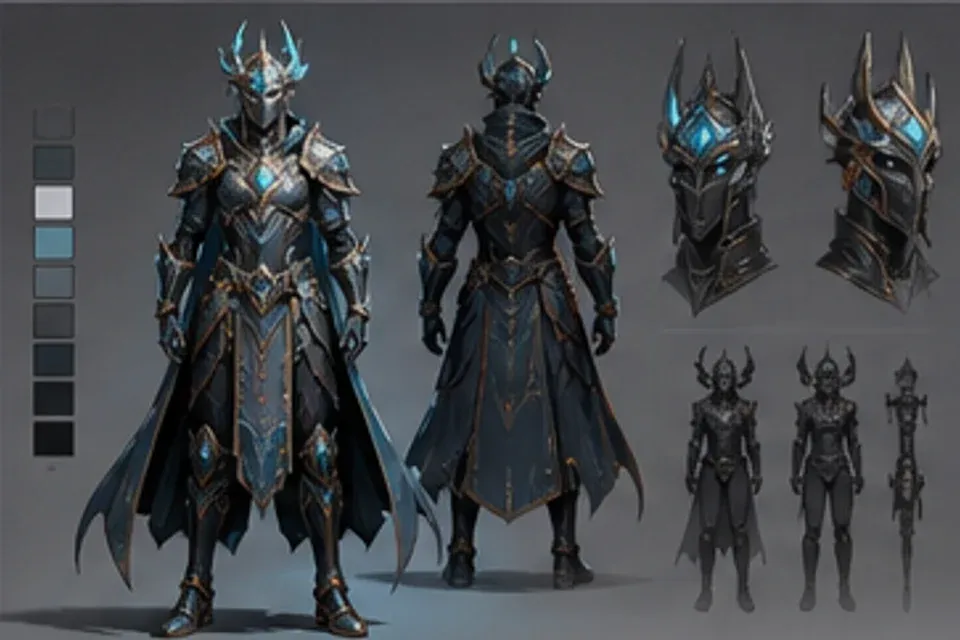
Game art board
Game Art visual 01
Create a usable visual kit for a pitch, prototype, store listing, or internal art review without mixing unrelated styles.
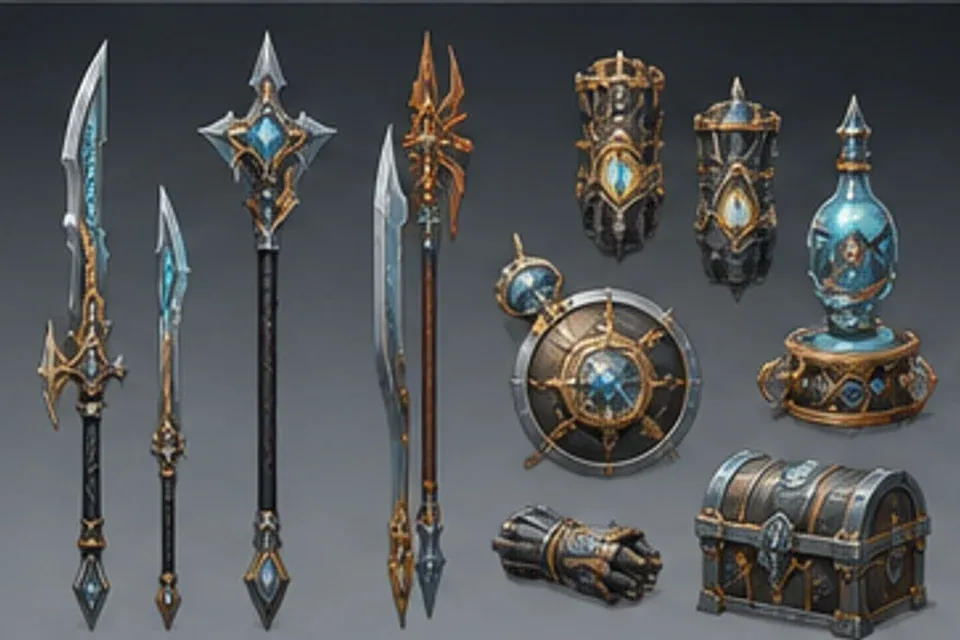
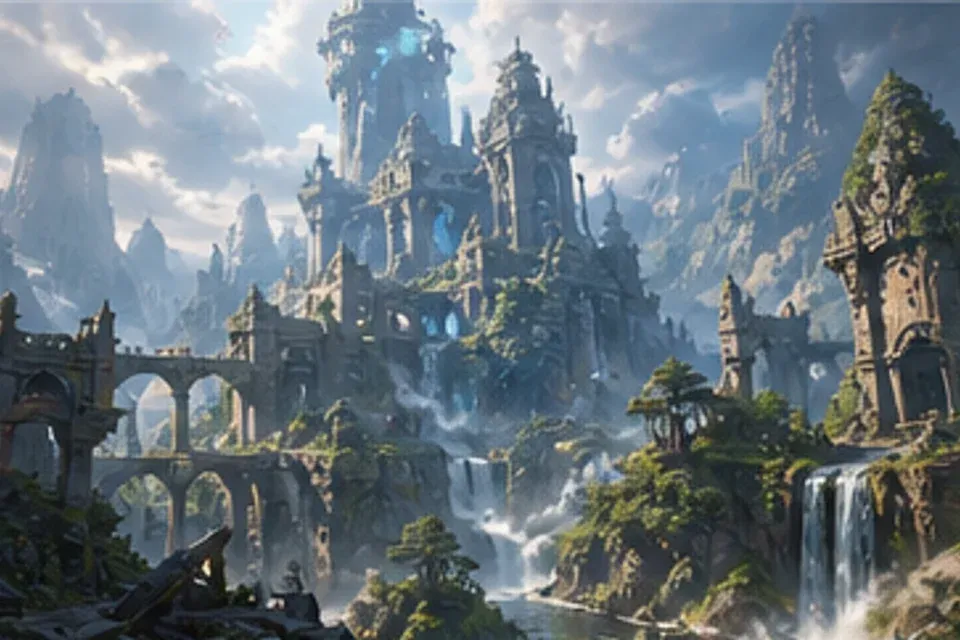
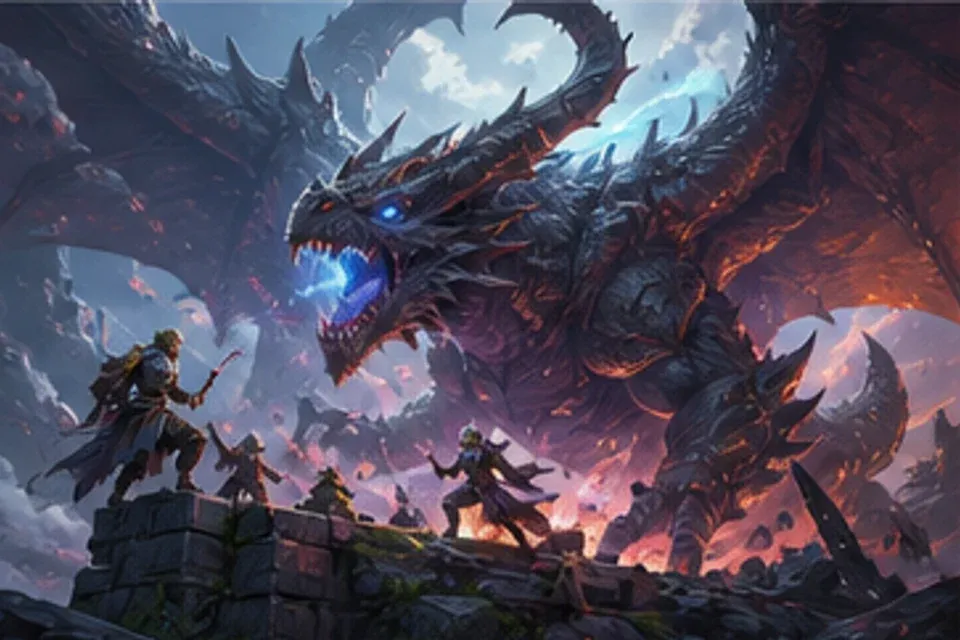
A recognizable hero, related prop families, coherent environments, and key art that sells the same world.
Define the silhouette, role, equipment, and personality at a glance
Build related weapons, tools, pickups, and equipment families
Set the architecture, terrain, lighting, weather, and scale
Frame the project clearly for a deck, store listing, or announcement
Define shared shapes, materials, colors, scale, and technology before expanding the asset list.
Keep exploration organized by asset family while preserving one visual language across the project.
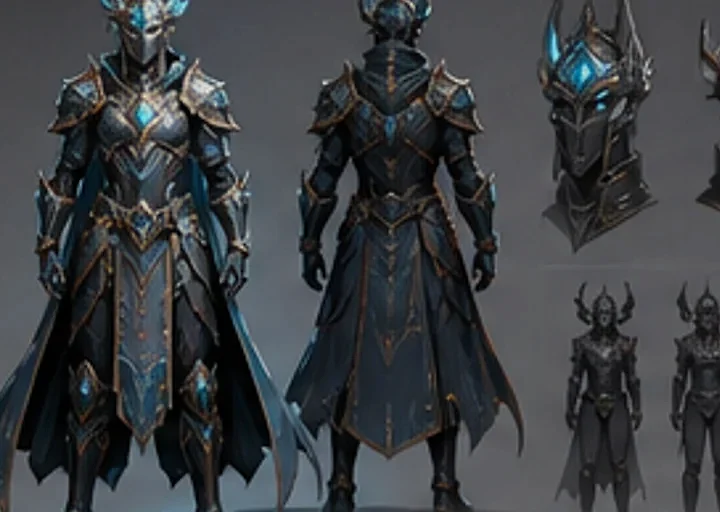
Create characters, props, and equipment that clearly belong to the same faction and technology level.
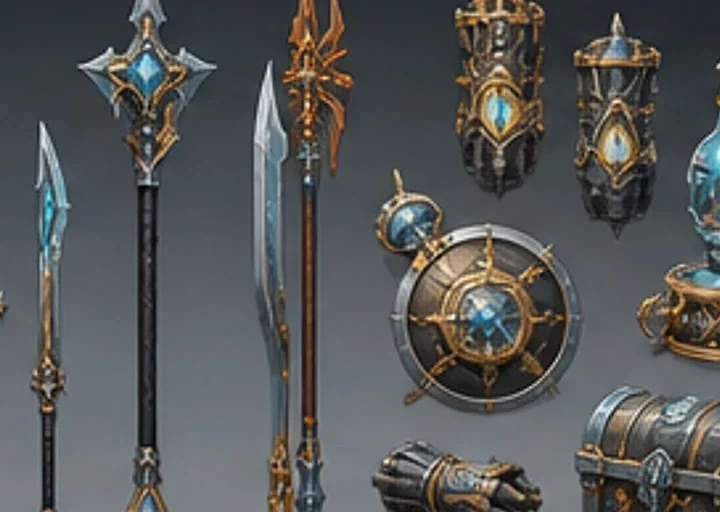
Explore terrain, architecture, weather, lighting, and scale as practical production references.
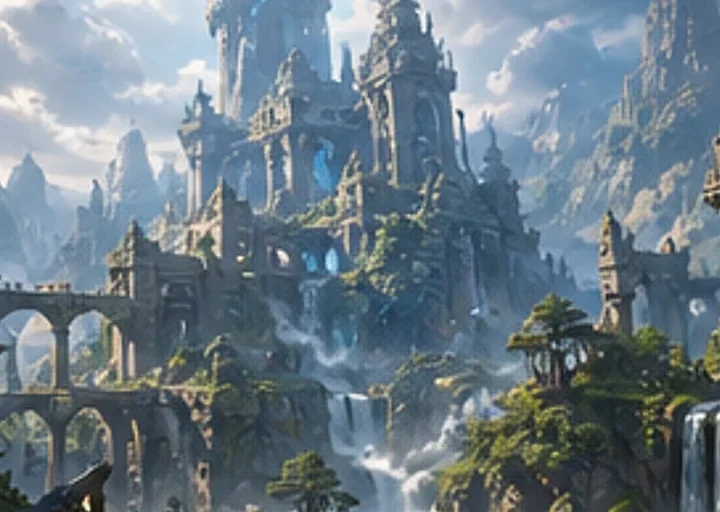
Turn approved characters and environments into a clear image for decks, listings, and announcements.
Show who the player is, what they use, where they go, and what the project looks like at a glance.
Show how roles, costumes, gear, and silhouettes change within one group.
Build related items with consistent material, shape, and technology rules.
Explore distinct regions, structures, lighting conditions, weather, and traversal scale.
Create a hero composition that communicates the game quickly and honestly.
Clarify the player fantasy and art direction, build small asset families, then refine a reusable reference set.
Set the genre, camera, platform, tone, technology level, and core experience.
Choose the shapes, materials, colors, scale, and visual references that belong together.
Explore the hero, supporting characters, props, environments, and interface mood in focused groups.
Refine the selected direction into sheets and key images the wider team can reuse.
Develop character sheets, prop families, environments, interface moods, and pitch-ready key art.
Preparing curated app examples for this homepage.
Start with the player fantasy and create a reference set the art, design, and marketing teams can share.